Sniffing (ARP Spoofing & Ettercap)
ARP spoofing is a Man-in-the-Middle (MITM) attack that targets the Address Resolution Protocol (ARP) on a local network. In this attack, the attacker sends fake ARP messages to trick a device into associating the attacker's MAC address with the IP address of another device, typically the network gateway. As a result, network traffic that should be directly between the victim and the gateway is instead routed through the attacker, allowing the attacker to observe or manipulate the data. ARP spoofing works because ARP does not verify the authenticity of replies. Devices only trust the most recent ARP response they receive.
Ethical and Legal Warning
ARP spoofing should only be performed in a controlled lab environment or on your own network or if you have explicit permission to test it. Running this attack on a public, campus, or private network without authorization is illegal and unethical. The purpose of learning ARP spoofing is to understand network vulnerabilities and improve defenses, not to intercept actual user data or disrupt services.

ARP Spoof Installation
-
Installation ARPspoof is included in the dsniff package.
sudo apt update
sudo apt install dsniff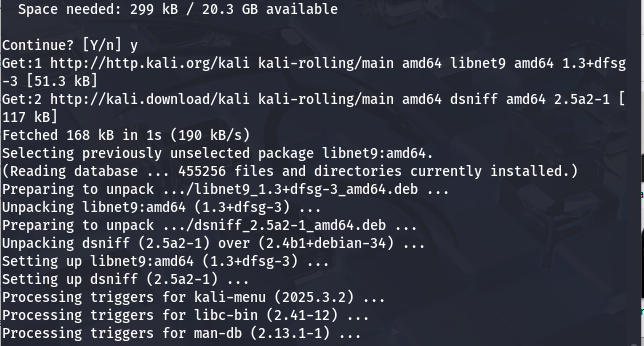
-
Enable IP Forwarding
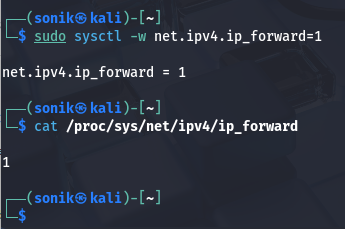
Enable forwarding so your machine can relay traffic during a lab MITM demonstration. Without this, you'll likely just disrupt the victim's connection.
sudo sysctl -w net.ipv4.ip_forward=1Verify:
cat /proc/sys/net/ipv4/ip_forwardExpected output: 1
Ettercap
Ettercap is a network security tool used to demonstrate and analyze Man-in-the-Middle (MITM) attacks on local networks. It works by intercepting traffic between two or more devices, usually using techniques like ARP poisoning, and then allowing an attacker to inspect, modify, or analyze the packets passing through. Unlike simpler tools, Ettercap can:
- Perform ARP spoofing automatically
- Capture credentials and sessions (depending on the protocol)
- Implement plugins for traffic analysis and manipulation It is often used in security labs to demonstrate how insecure network protocols behave when an attacker is placed in the middle.
Ethical and Legal Warnings
Ettercap is a powerful tool, and using it on a network without authorization is illegal and unethical. Intercepting traffic can expose sensitive data such as credentials and private communications. Ettercap should only be used in isolated lab environments or authorized penetration testing scenarios. Its purpose is to understand network vulnerabilities and improve security, not to spy on actual users.
-
Installation Installing Graphical Ettercap
sudo apt install ettercap-graphical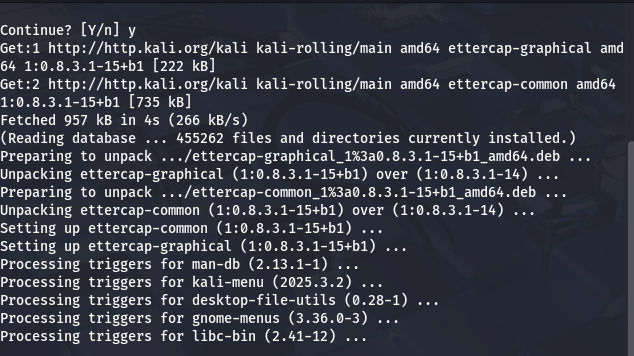
-
Run Ettercap
sudo ettercap -G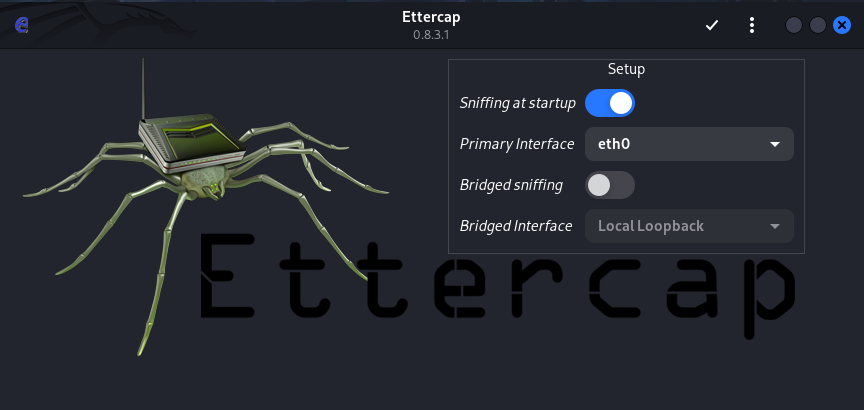
-
Functions
- Intercept and analyze network traffic between two hosts
- Perform ARP poisoning attacks to simulate MITM scenarios
- Capture unencrypted credentials and session data
- Modify or inject packets to test protocol security
- Test the effectiveness of network monitoring tools and IDSs
- Demonstrate the risks of using plaintext protocols on a local network
- Can silently redirect victims to a fake or test server instead of the actual website.