Snort — Basic Lab
Simple Snort test run, external & loopback interfaces to simulate attacks for detection practice.
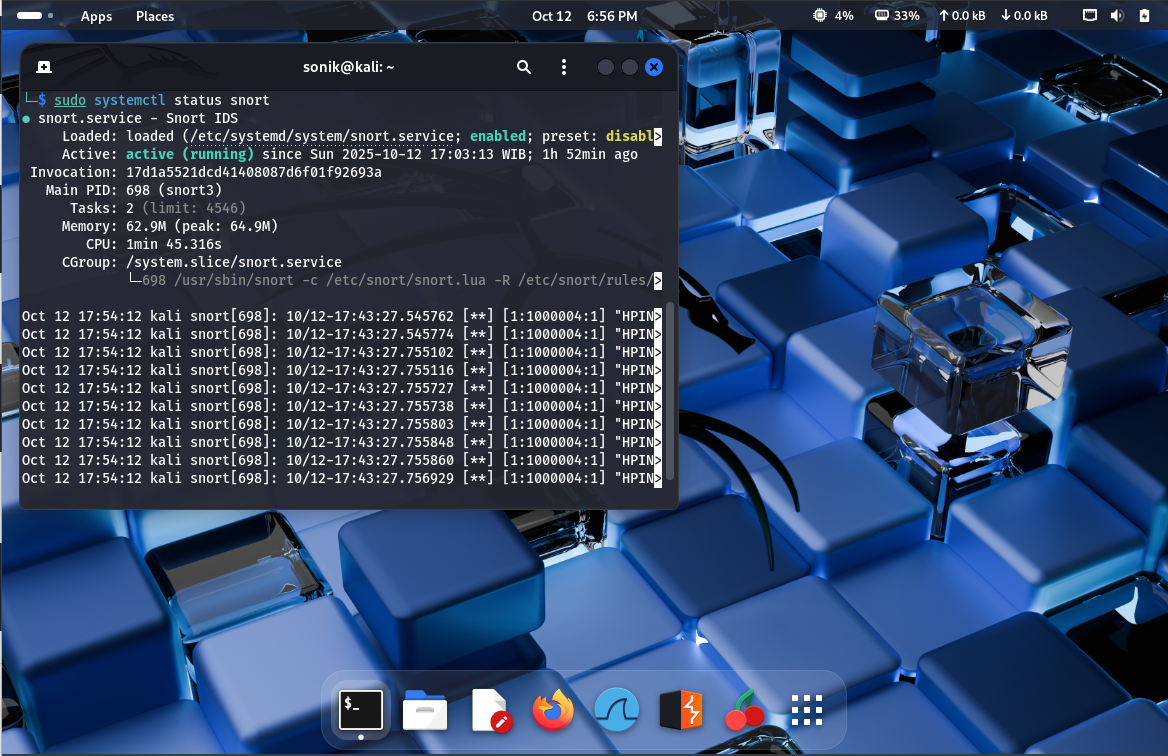
Basic Requirements
- Virtual Machine (e.g., Kali Linux)
- Snort installed and configured (e.g. snort.lua)
Steps
-
Run external interface
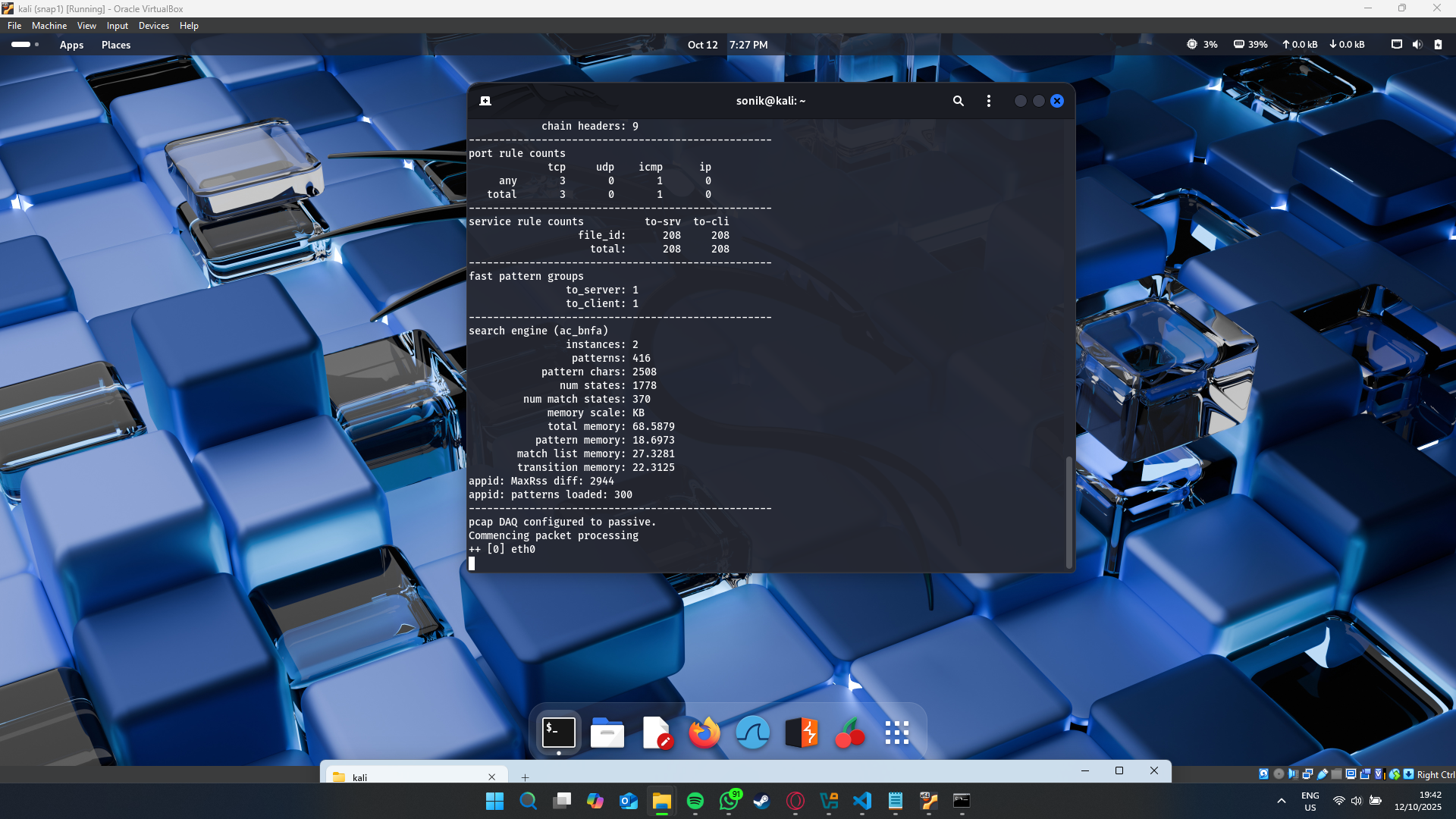
Open a terminal and start Snort (replace
eth0with your interface if different).sudo snort -c /etc/snort/snort.lua -R /etc/snort/rules/local.rules -i eth0 -A alert_fastKeep this terminal open while Snort runs.
-
Run loopback interface
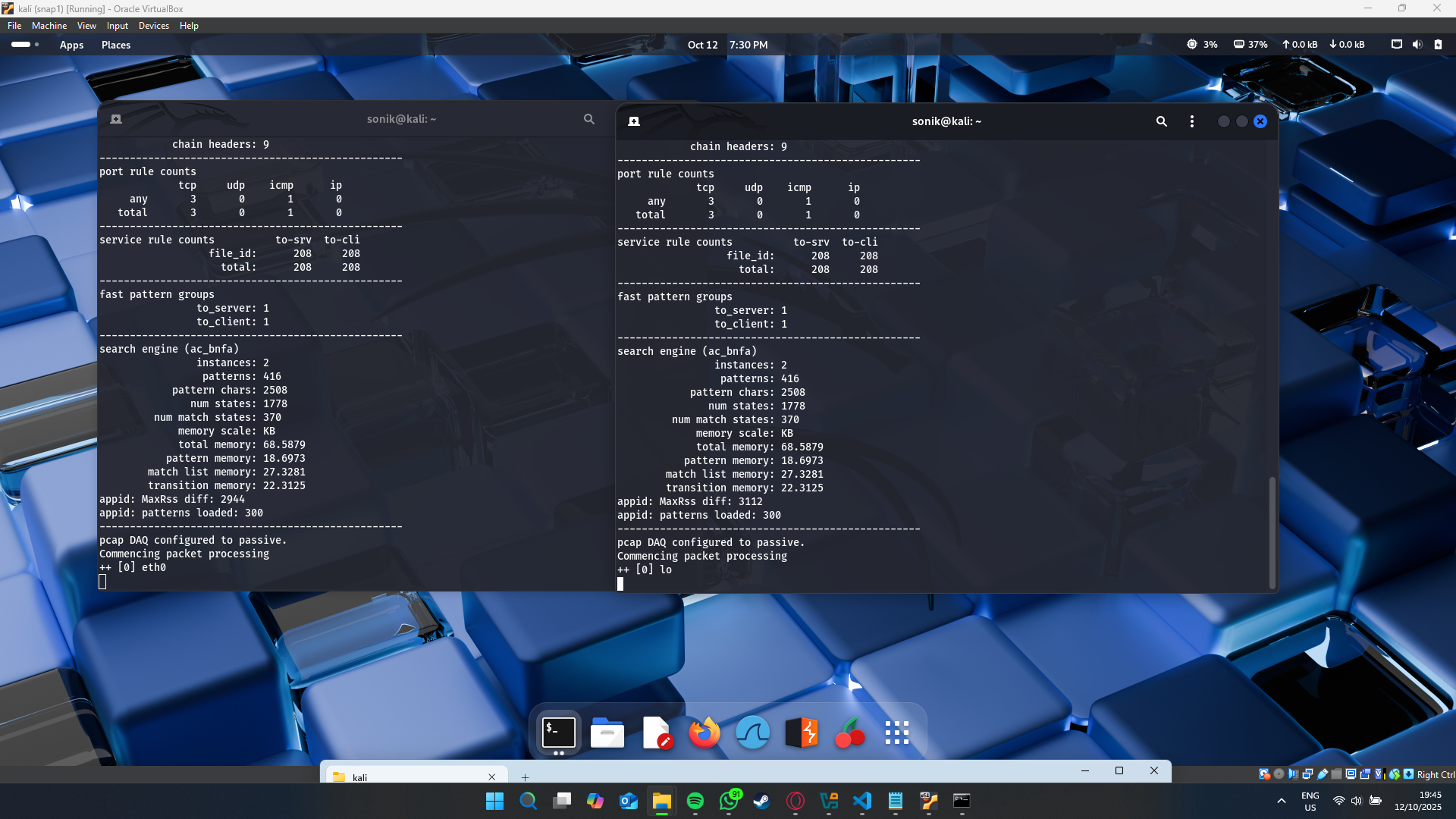
Open a new terminal and run Snort on the loopback interface to capture localhost traffic.
sudo snort -c /etc/snort/snort.lua -R /etc/snort/rules/local.rules -i lo -A alert_fastKeep this terminal open as well.
-
Simulate attacks
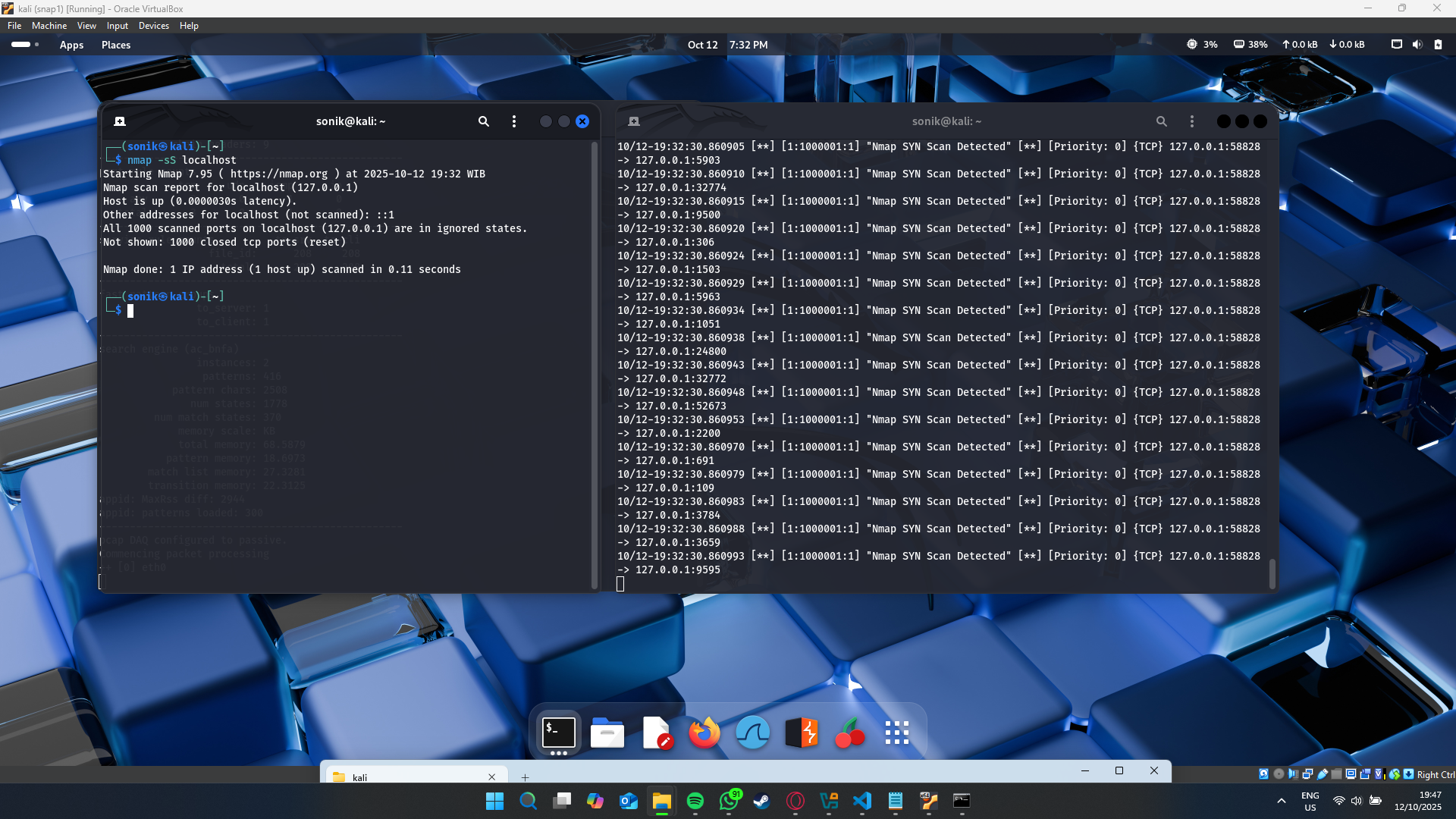
Run some scans and floods against localhost to see Snort alerts.
Nmap scans
-- SYN Scan --
nmap -sS localhost

-- Null Scan --
nmap -sN localhost

-- Xmas Scan --
nmap -sX localhost
ICMP flood (hping3)
sudo hping3 -1 -c 1000 -d 120 -S -w 64 --flood --rand-source localhostWatch your Snort terminal(s) for alerts. Use the Snort logs and alert outputs to analyze detection behavior.
Example testing :
Nmap test (scan)
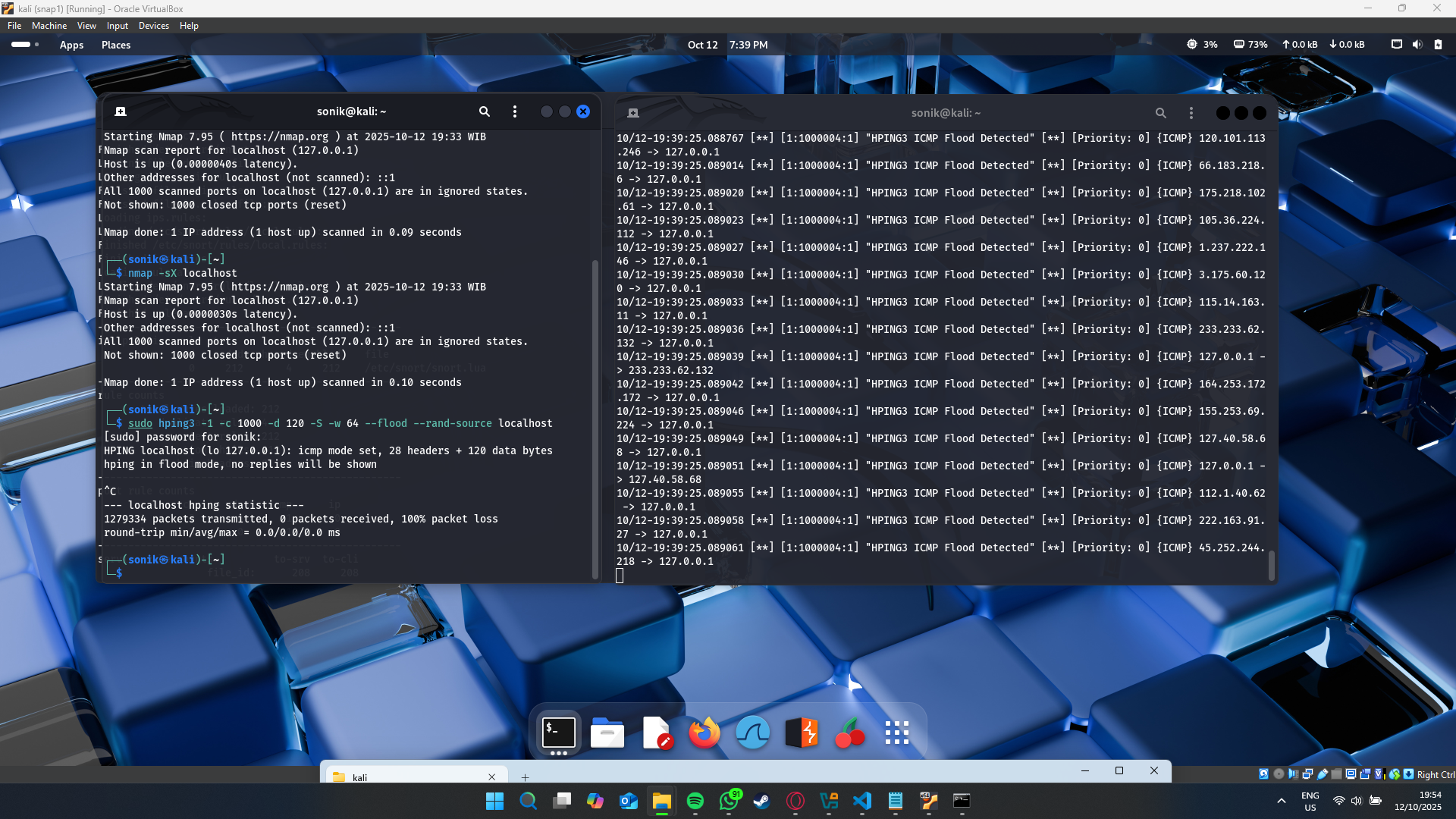
hping test (ICMP flood)